Here at AndroidDrac, we live and breathe the mobile ecosystem. However, whether you are compiling custom ROMs, sideloading apps via ADB, or simply backing up your smartphone media, there is a high probability you rely on a Windows PC to get the job done.

That is why today’s major tech revelation is something we cannot afford to ignore. It turns out that Windows has been quietly eating away at your computer’s solid-state drive (SSD) lifespan, and Microsoft has been surprisingly slow to address it.
The Silent Threat to Your Storage Lifespan
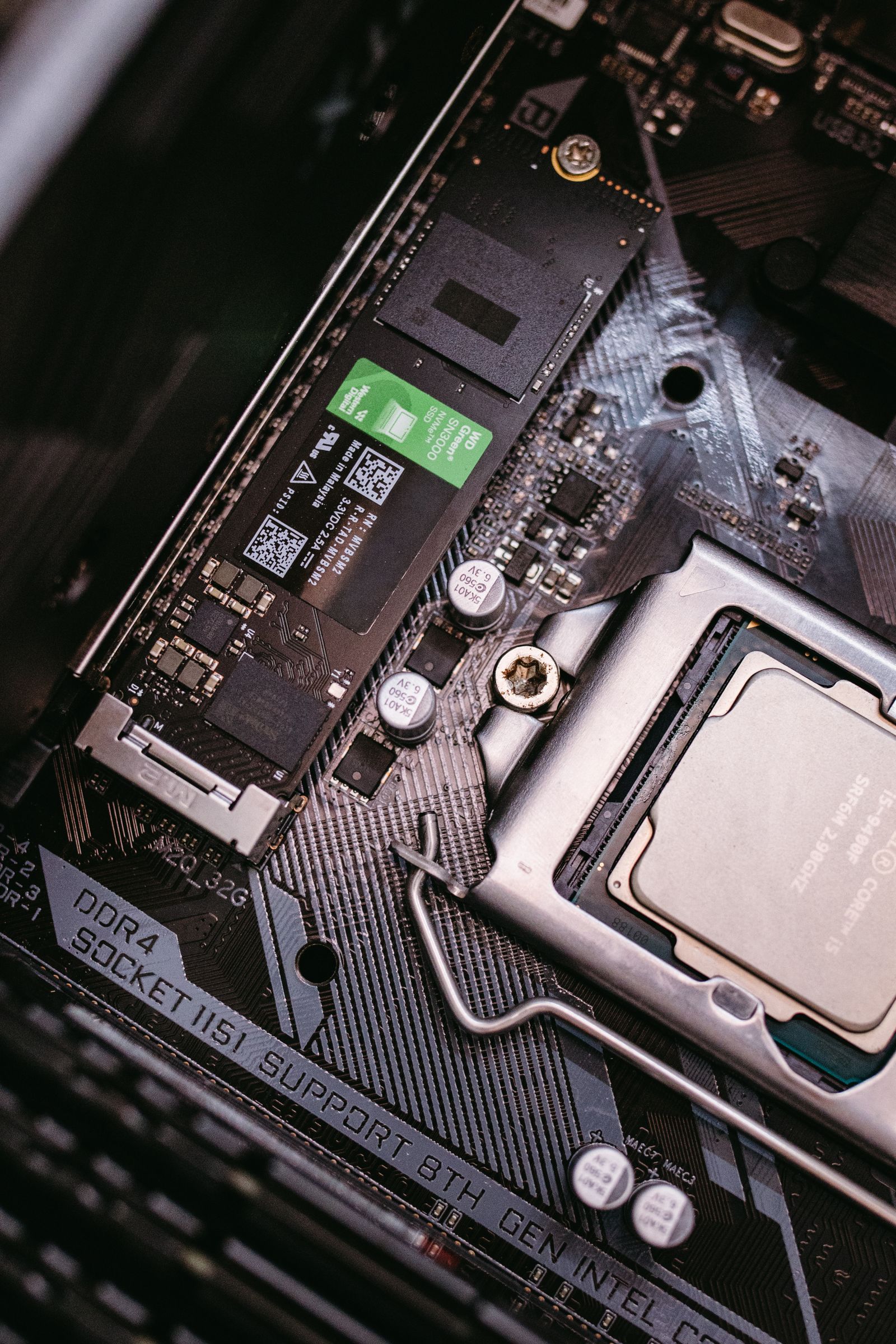
Unlike traditional hard drives, SSDs have a limited lifespan measured in Terabytes Written (TBW). Every time data is written to the drive, it edges slightly closer to its inevitable demise. Recent investigations have highlighted that certain default Windows background services are incredibly aggressive, constantly writing temporary data to your drive for tasks you likely do not even use. The biggest culprit in this silent wear-and-tear is a legacy service known as SysMain (formerly Superfetch).
SysMain is designed to analyse your usage patterns and preload frequently used applications into your system memory. While this made sense in the era of slow mechanical hard drives, modern NVMe SSDs are already so fast that this preloading process offers virtually zero noticeable performance benefit. Instead, it simply subjects your SSD to constant, unnecessary write cycles, silently degrading your hardware day after day.
The One-Minute Fix to Protect Your Drive
Fortunately, you do not have to wait for an official Windows update to protect your hardware. Disabling this unnecessary background activity is incredibly simple and takes less than a minute. First, press the Windows Key + R, type services.msc, and hit Enter. Scroll down the list until you locate the service named SysMain.
Right-click on SysMain, select Properties, and change the "Startup type" to Disabled. Finally, click the Stop button to halt the service immediately, then click Apply and OK. By turning off this redundant feature, you will instantly halt gigabytes of useless background writes, preserving your SSD’s longevity for what actually matters—like storing your Android backups and development tools.
Taking control of your hardware is essential in an era where operating systems prioritise telemetry and aggressive caching over hardware longevity. Have you noticed your PC’s drive activity spiking unexpectedly, or do you use other optimisation tips to keep your machine running smoothly?
Stay updated with the latest Android news at AndroidDrac.
Comments
Post a Comment